Context is what
firewalls don’t have.
PacketViper’s traffic control engine evaluates who, what, where, when, and why – then enforces inline. Not allow/deny. Not binary. Contextual.
Firewalls start blocked and open up. PacketViper starts open and narrows in.
Allow everything or block everything. That’s not security.
A financial services firm has 47 country blocks configured on their perimeter firewall. One morning, a legitimate vendor relationship in one of those blocked countries needs to complete a transaction. The firewall doesn’t know it’s a vendor. It only knows the country code. The choice is: accept all traffic from that country or block all of it.
Firewalls make binary decisions – allow or deny – without understanding why traffic exists. They see source, destination, port, protocol. They don’t see who the source actually is, whether the destination makes sense given the time of day, or whether this pattern has occurred before.
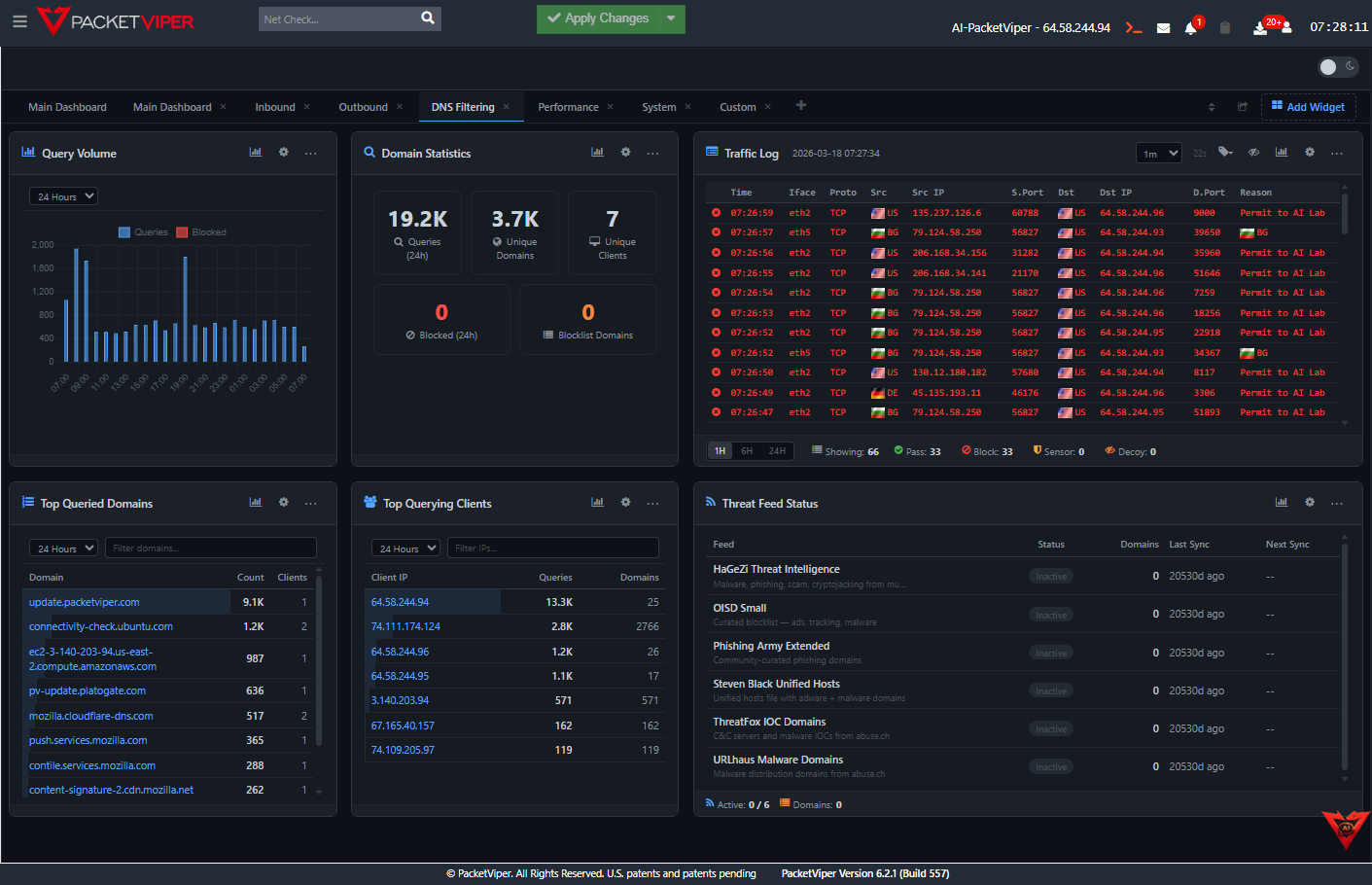
Traditional Firewall
PacketViper Context Engine
Five dimensions. Every connection. Wire speed.
Every connection attempt is evaluated against five dimensions before enforcement fires. Context collapses “allow everything” and “block everything” into something much more precise.
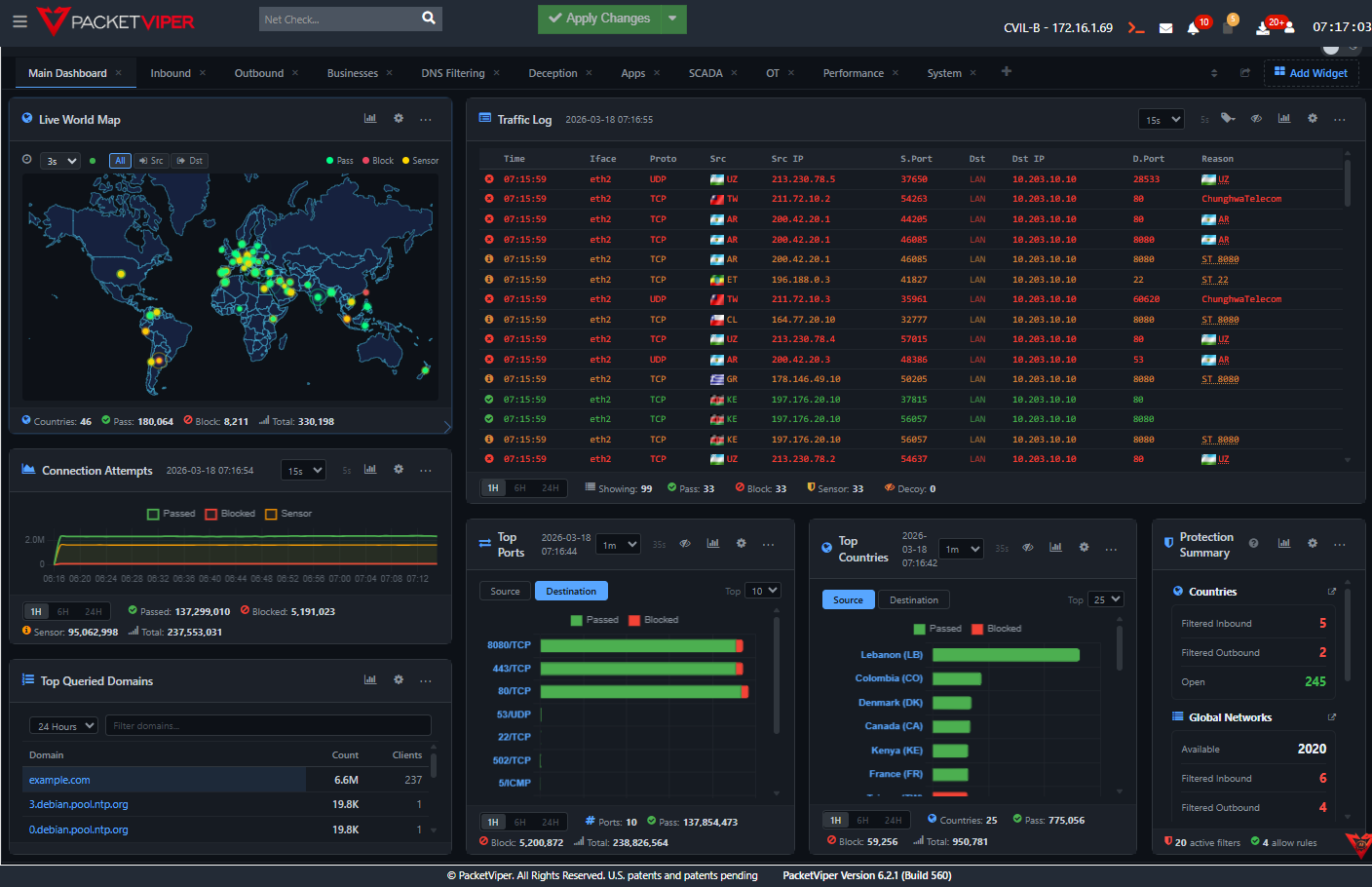
20-30% noise reduction. No tuning. No rules. Just enable it.
Global Network Lists are years of accumulated intelligence about known scanners, cloud-hosted pen testers, and automated adversarial infrastructure. Turn them on and a significant portion of your unwanted traffic disappears immediately.
What Gets Blocked
GNLs contain curated lists organized by vendor, service, and threat category:
What Gets Allowed
Legitimate vendor traffic is identified and explicitly permitted:
Context-aware enforcement for every scenario.
Global Network Lists
Years of accumulated intelligence about known scanners, cloud-hosted pen testers, and automated adversarial infrastructure. Enable on day one – 20–30% noise reduction immediately. No tuning required.
ASN-Level Targeting
Isolate specific organizations within a country without blocking the entire country. Allow this vendor’s ASN. Block that hosting provider’s ASN. Same country, different treatment.
DNS Intelligence
Domain-based enforcement before connections complete. If the domain was registered 48 hours ago and is already showing high query volume, that pattern flags before any traffic flows.
Context Groups
Build custom population definitions – segment your network by function, sensitivity, or trust level. Apply differentiated policies without managing hundreds of individual rules.
Scheduling
Automatic policy changes for shifts, maintenance windows, and operational periods. No manual rule toggling. No human error at 2 AM.
Quarantine & Containment
Quarantine a source for six hours while investigation runs – then automatically release or escalate. Inline enforcement from the investigation interface.
Stop choosing between a country block and an open door.
For Security Teams
Stop choosing between blocking a country and accepting all of its traffic. Enforce at the level of precision that matches the actual threat.
For OT Operators
OT networks have very specific, predictable traffic patterns. Context-aware enforcement catches deviations from those patterns – unknown protocols, unexpected connection sources, after-hours activity – that a firewall rule would miss entirely.
For Leadership
Fewer false positives, fewer manual exception processes, fewer help desk tickets from legitimate business traffic getting caught in broad blocks. Context enforcement means precision at scale.
See what your firewall never told you.
Book a live demo – we’ll show you in your environment, not ours.
Global Network Lists are curated, continuously updated sets of IP ranges grouped by category - hostile infrastructure, nation-state attack platforms, botnet networks, cloud providers, and global business networks. PacketViper uses GNLs to make enforcement decisions before individual packet inspection, typically reducing inbound traffic volume by 30–70%.
Yes. PacketViper can enforce traffic policies at the country level, ASN level, and business entity level - meaning you can block traffic from a specific hosting provider or cloud platform without blocking the entire country it operates in. This granularity was the original patent insight behind PacketViper.
PacketViper handles 34,622 new connections per second, 2 million concurrent sessions, and processes 171 billion events in 26.94 GiB - with 46% CPU idle at peak load. This is enterprise-class throughput on commodity hardware.
PacketViper's rate limiting evaluates traffic from each individual source. When a source exceeds the allowed request rate it is placed on hold. Rate limiting can be scoped by country, ASN, business network, IP, or port - providing targeted defense against flooding without impacting legitimate traffic.